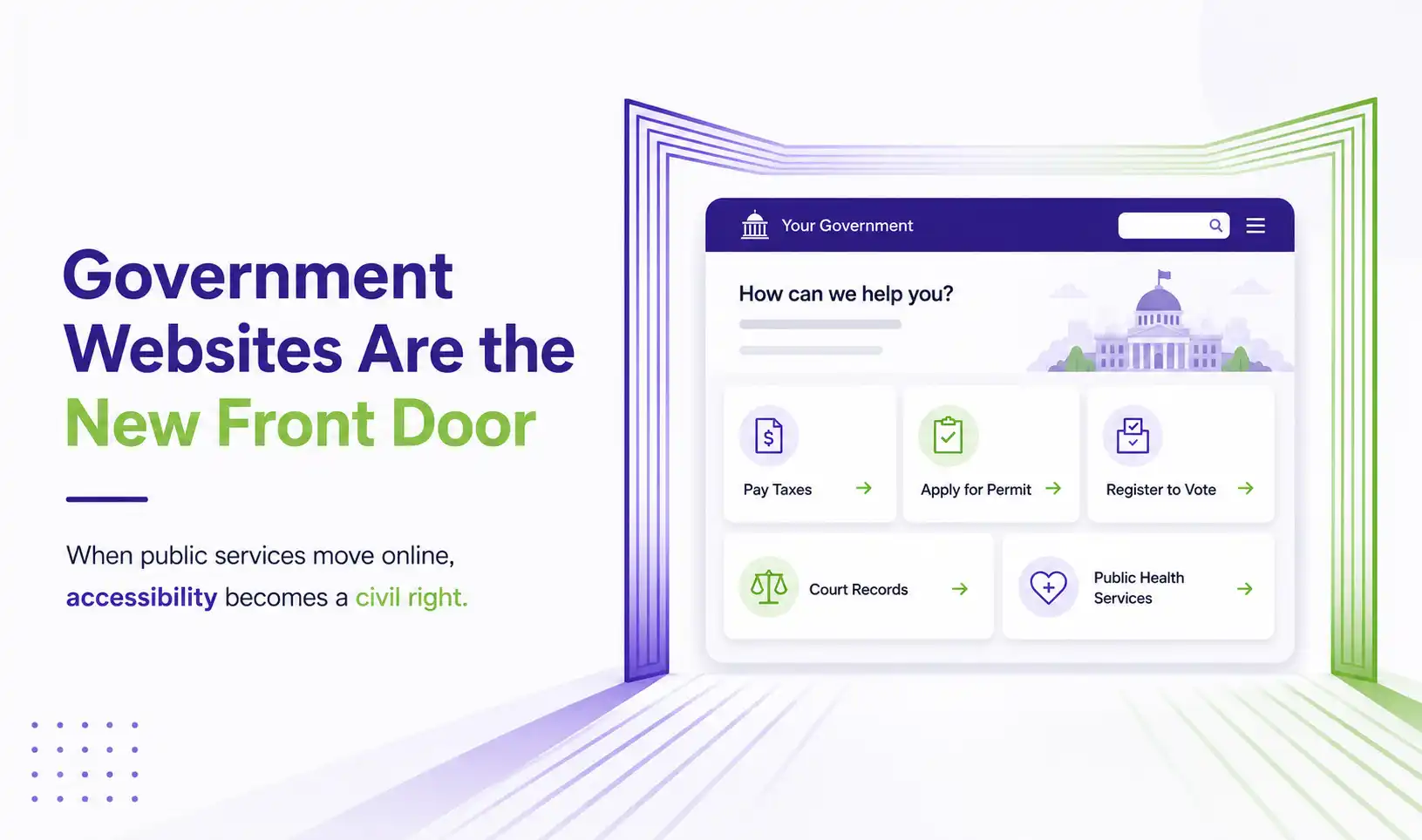
Government websites have become the front door to public services. People use them to pay utility bills, register to vote, apply for permits, check property records, access court information, and interact with nearly every level of civic life. When that front door is not accessible to people with disabilities, it is not just an inconvenience. It is a barrier to equal participation in democracy.
And right now, the data shows that most government websites are failing the people they are supposed to serve.
The State of Government Website Accessibility in 2026
Despite years of awareness and regulation, government digital accessibility remains alarmingly poor. Here is what the most recent data tells us.
Government and education websites actually perform better than most sectors, with an average accessibility score of 56 out of 100 as compared to 34 for travel and 36 for e-commerce sites. But “better than the worst” is not the same as accessible. A score of 56 still means nearly half of testable criteria are failing.
Government Web Accessibility Requirements in 2026
Government website accessibility is not a best practice. It is a legal obligation backed by multiple federal laws, each with its own scope and deadlines. Here is the current regulatory landscape.
| Law | Who It Covers | Standard | Deadline |
|---|---|---|---|
| ADA Title II | State and local governments | WCAG 2.1 AA | April 2027 (50K+) / April 2028 (smaller) |
| Section 508 | Federal agencies | WCAG 2.0 AA | Already in effect (since 2017) |
| Section 504 | HHS-funded entities | WCAG 2.1 A + AA | May 2027 (15+) / May 2028 (smaller) |
| State laws | Varies by state (e.g., Colorado) | Varies | Some already enforceable |
One critical detail that many government entities miss: the ADA Title II rule does not just apply to your main website. It covers every digital touchpoint where a resident interacts with your services.
What Needs to Be Accessible: The Full Scope
When the DOJ says “web content and mobile apps,” it means far more than your homepage. Here is what falls under the government web accessibility requirements.
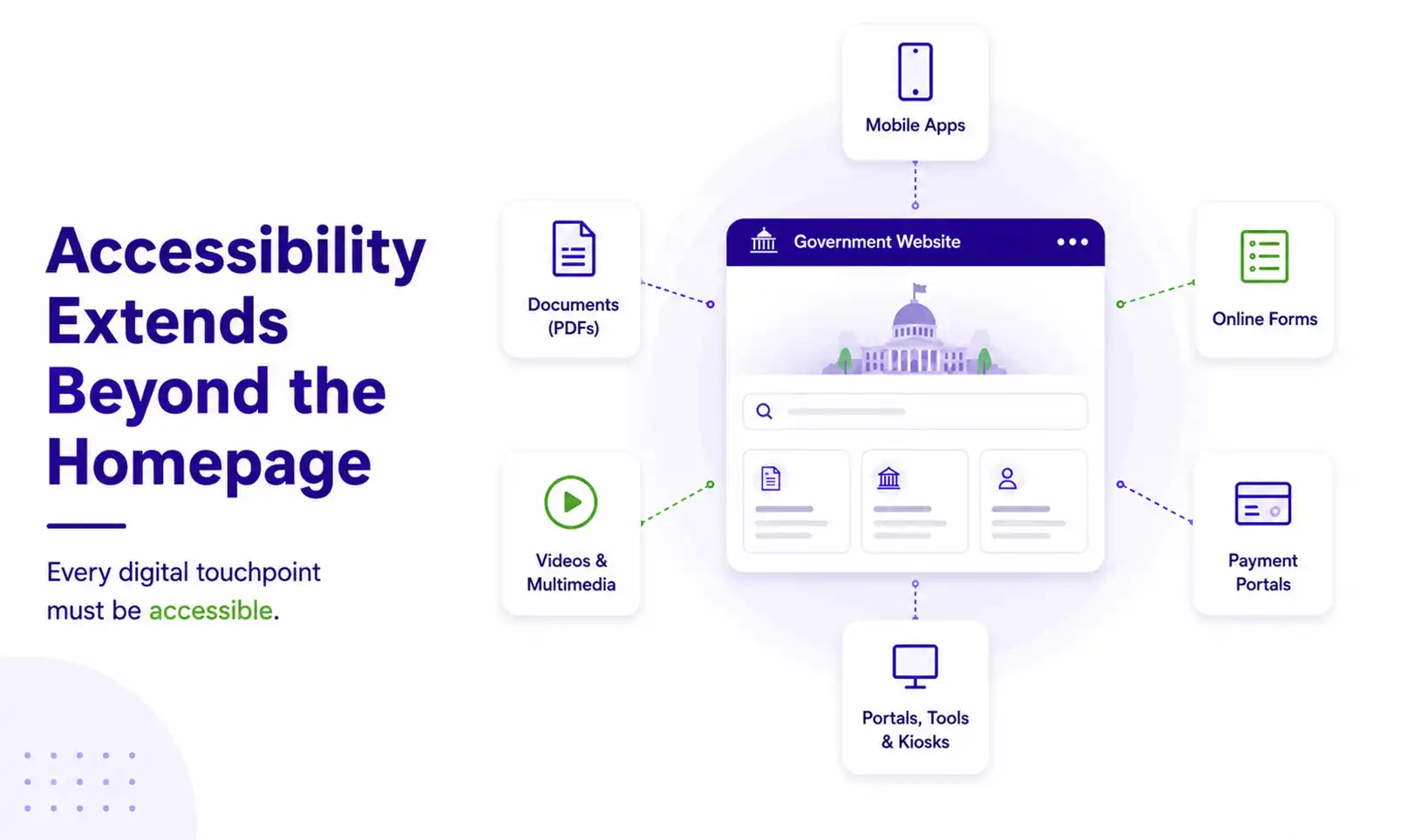
The last two are especially important. Government entities remain legally accountable for the accessibility of vendor-provided services. If a resident must use a third-party app to pay a parking ticket or register for a local program, that app must be accessible or the government entity may be held liable. And PDFs are often the most overlooked gap: many public documents spanning years or even decades were never designed with accessibility in mind, lacking proper tags, reading order, or text alternatives.
The Most Common Barriers on Government Websites
When government websites fail accessibility standards, it is rarely because of one catastrophic error. It is usually a pattern of small, repeated failures that collectively make the site unusable for people with disabilities. Here are the most common issues found across public sector websites.
What Inaccessible Government Services Actually Cost Citizens
When a government website is inaccessible, the consequences are not abstract. They are specific, daily, and deeply personal. Here is what it actually looks like.
A resident cannot pay their property tax online
The payment form has no labels. A screen reader cannot identify which field is for the account number, which is for the payment amount. The resident must drive to a physical office, if they can, or risk a late penalty.
A parent cannot enrol their child in school
The enrolment portal requires drag-and-drop file uploads with no alternative. A parent with a motor disability cannot complete the process. Their child's registration is delayed.
A defendant cannot access court documents
Court filings are posted as scanned PDFs with no text layer. A person who is blind cannot read their own case documents without requesting accommodation, adding days or weeks to their legal process.
A commuter cannot check the bus schedule
The transit authority's mobile app has no accessible route planner. A person with low vision cannot find their bus time and has to wait at the stop, hoping for the right one.
A voter cannot find their polling location
The election website's interactive map has no keyboard navigation. A voter who cannot use a mouse cannot locate where to vote. Participation in democracy becomes harder than it needs to be.
A patient cannot schedule a vaccination
The public health portal's booking system uses a CAPTCHA that has no audio alternative. A person who is blind cannot pass the verification step. They cannot book their own appointment.
The Search Visibility Bonus: Why Accessible Government Websites Rank Better
There is an often overlooked benefit to government website accessibility: it directly improves how findable your services are on search engines.
A 2025 study by Semrush and AccessibilityChecker.org, analysing 10,000 websites, found that sites with higher accessibility compliance scores consistently outperformed less accessible sites across every major SEO metric. Accessible websites saw a 23% increase in organic traffic, ranked for 27% more keywords, and showed a 19% stronger domain authority score.
This is not a coincidence. Many accessibility best practices directly overlap with what search engines reward: proper heading structure helps Google understand content hierarchy. Alt text on images helps search crawlers index visual content. Clean HTML semantics improve crawlability. Keyboard navigation and logical tab order signal well-built pages. Captions and transcripts on videos create indexable text content.
For government agencies, this matters because residents often find services through Google, not through your homepage. If someone searches “pay property tax [city name]” and your payment page has no proper headings, no alt text, and no semantic structure, it is less likely to appear, and less usable when it does.
Making your site accessible does not just protect you legally. It makes your services easier to find for every resident who needs them.
Why Accessibility Overlays Are Not the Answer for Government Sites
As compliance deadlines approach, some government entities are turning to accessibility overlays, JavaScript widgets marketed as quick-fix solutions that claim to make websites accessible with a single line of code.
These tools do not meet ADA Title II compliance requirements. The DOJ itself acknowledged in its deadline extension that the technology the industry was relying on to automate compliance has not delivered reliably. Over 800 accessibility professionals have signed a public statement at overlayfactsheet.com explaining why overlays fail. In 2024, more than 1,000 businesses using overlay widgets were named in ADA lawsuits. And in January 2025, the FTC fined one of the largest overlay providers $1 million for misleading claims.
Government entities have an even stronger reason to avoid overlays: they carry public trust obligations. Using a tool that creates the appearance of accessibility without delivering it is not just ineffective. It is a liability.
Here is An Action Plan to Make Your Government Website Accessible
Government Website Accessibility Checklist
Part of Our Digital Accessibility Series
This blog connects to our coverage of the ADA Title II and Section 504 deadline extensions, the WCAG evolution from 2.0 to 2.2, and how AI is affecting accessibility compliance.