
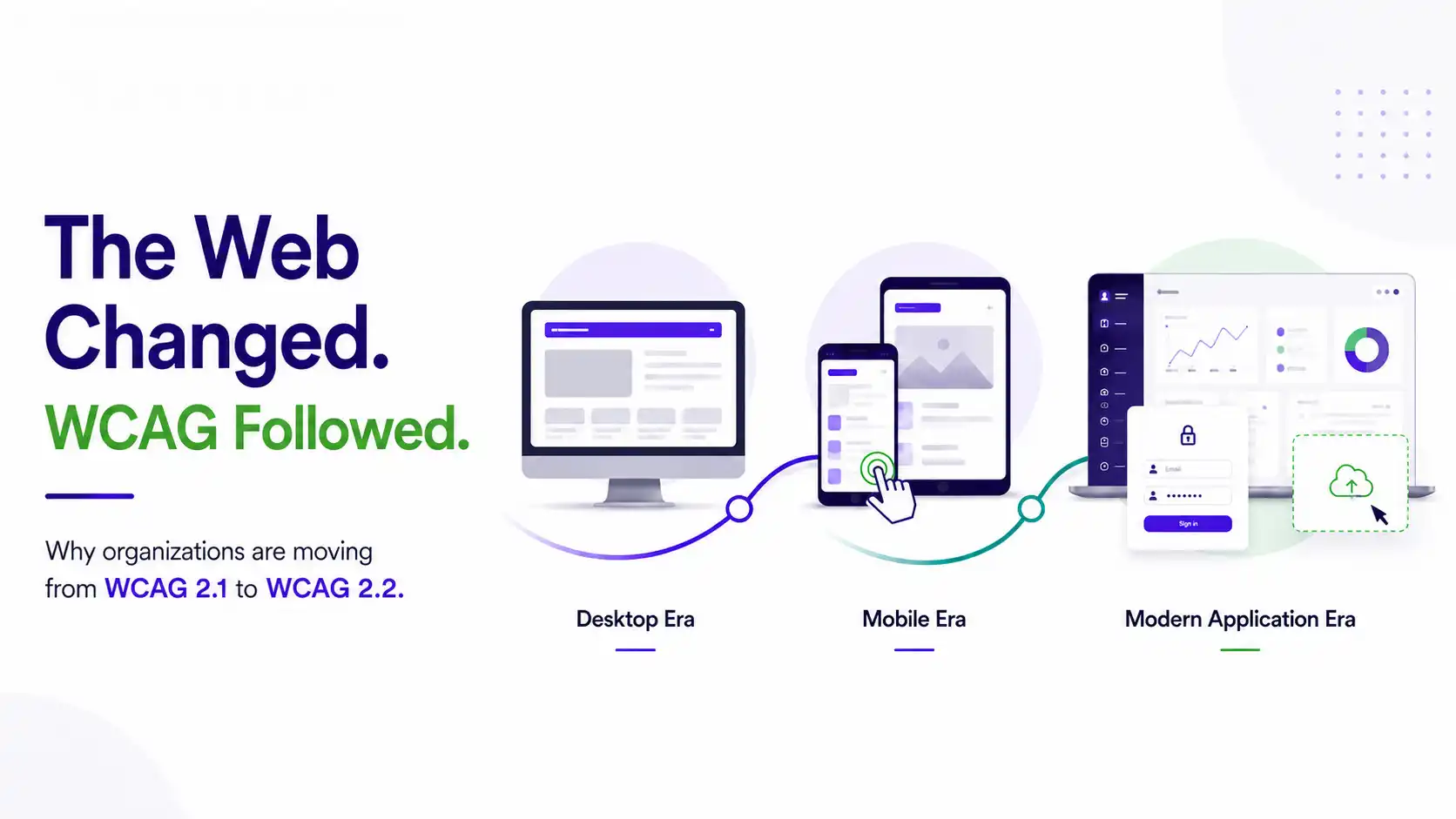
In 2008, the internet was mostly desktop browsers and static pages. By 2018, half of all web traffic was mobile. By 2023, the average person logged into dozens of services a week, dragged items across dashboards, and interacted with interfaces that Web Content Accessibility Guidelines (WCAG) 2.0’s authors could not have imagined.
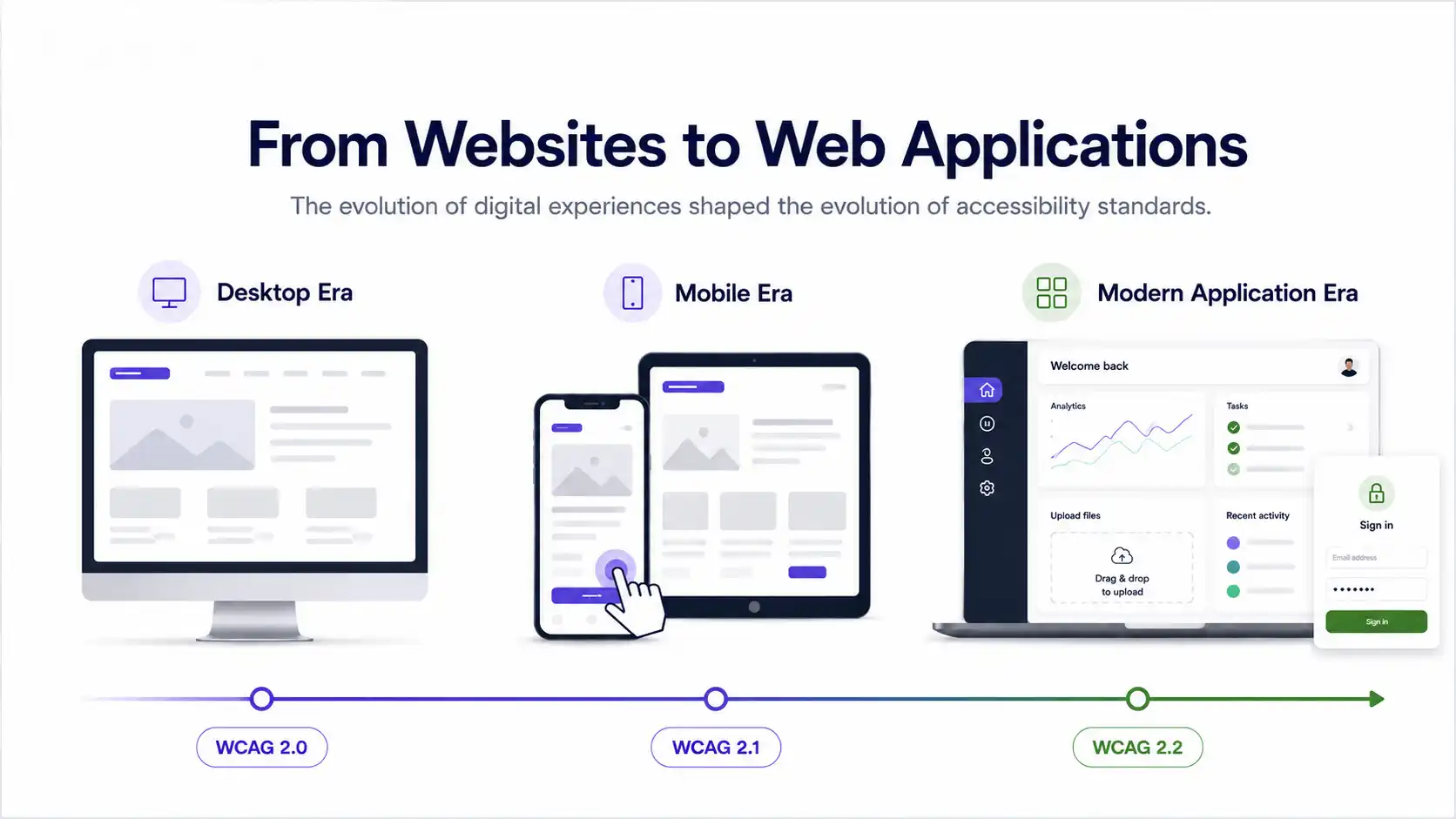
Each version of WCAG, 2.0, 2.1, and 2.2, was a response to a web that had outgrown its standards. Understanding why each version exists is the key to understanding why moving to 2.2 is not just a compliance exercise. It is a recognition that the web your users are navigating today is not the web these rules were originally written for.
Three Versions. Three Eras of the Web.
The Desktop Era
The Mobile Era
Cognitive & Auth Era
Each version is backward compatible. Content that meets WCAG 2.2 automatically meets 2.1 and 2.0. That means organizations moving to 2.2 are not starting over. They are extending what they have already built.
How the Standards Evolved: A Timeline
What Real Users Gain from WCAG 2.2
The nine new criteria in WCAG 2.2 were not invented in a committee room. They came from years of feedback from people with disabilities describing what was actually breaking for them on the modern web. One criterion was also removed because modern browsers made it unnecessary. Here is the complete picture, every addition and the one removal, organised by conformance level.
Level AA: 4 New Criteria (Required for Most Regulations)
Keyboard users can now see where they are
Sticky headers, cookie banners, and chat widgets were hiding the focus indicator, making it impossible for keyboard-only users to track their position on a page. This criterion ensures the focused element is never fully hidden.
Touch targets are finally big enough to hit
Tiny buttons and cramped links were punishing anyone with motor impairments, tremors, or simply larger fingers. Interactive targets must now be at least 24×24 CSS pixels, or have enough spacing that a 24px circle does not overlap adjacent targets.
No more drag-or-nothing interfaces
Kanban boards, sliders, and reorderable lists that required mouse dragging were inaccessible to people who cannot hold a pointer steady. Every dragging action must now have a single-pointer alternative, such as a button or a menu option.
Logging in no longer requires memorisation
People with cognitive disabilities, memory issues, or dyslexia were locked out by CAPTCHAs and password-recall requirements. Authentication must now be possible without cognitive function tests. Password managers, biometrics, and email links all qualify.
Level A, 2 New Criteria (Baseline Requirements)
Forms stop asking for the same information twice
Multi-step forms that made users re-type their address, email, or phone number on every page were creating unnecessary cognitive load. Previously entered information must now be auto-populated or selectable, not manually re-entered.
Help is in the same place on every page
Users with cognitive disabilities who rely on help links, chat widgets, or phone numbers were struggling when these elements moved to different positions on different pages. Help mechanisms must now appear in the same relative location across the site.
Level AAA, 3 New Criteria (Best Practice, Not Legally Required)
Focused elements must be completely visible
The stricter version of 2.4.11. At Level AA, the focused element cannot be fully hidden. At this AAA level, no part of the focused element can be obscured, not even partially. This is the gold standard for keyboard navigation.
Focus indicators must be clear and high-contrast
Even when a focus indicator is visible, it can be hard to see if it is too thin, too subtle, or too low-contrast. This criterion sets minimum size and contrast requirements for the focus indicator itself, making it unmissable.
No cognitive tests at all, even object recognition
The stricter version of 3.3.8. At Level AA, object recognition (like "click all the traffic lights") is still allowed. At this AAA level, even object recognition is prohibited. Only non-cognitive methods like biometrics and password managers qualify.
Removed, 1 Criterion No Longer Applicable
Valid HTML with properly nested elements and unique IDs
This criterion required clean, well-formed HTML so assistive technologies could parse the page correctly. Modern browsers now handle parsing errors so consistently, thanks to the HTML5 parsing algorithm, that assistive technologies no longer rely on raw HTML parsing. The accessibility issues 4.1.1 was designed to prevent are now covered by other criteria. It was removed from WCAG 2.2 as obsolete.
Where Regulations Stand Today
One of the biggest sources of confusion is that different regulations reference different WCAG versions. Here is the current map, and why it matters for your compliance planning.
| Regulation | Scope | WCAG Version Referenced | Status |
|---|---|---|---|
| Section 508 (U.S.) | Federal agencies | WCAG 2.0 AA | Set in 2017, not yet updated |
| ADA Title II (U.S.) | State & local government | WCAG 2.1 AA | Deadline extended to April 2027/2028 |
| Section 504 (U.S.) | HHS-funded entities | WCAG 2.1 A + AA | Deadline extended to May 2027/2028 |
| EAA / EN 301 549 (EU) | Products & services in EU | WCAG 2.1 AA (trending 2.2) | Enforceable since June 2025 |
| ADA Title III (U.S.) | Private businesses | No formal WCAG reference yet | Courts use WCAG 2.1 AA as benchmark |
| W3C Recommendation | Global best practice | WCAG 2.2 | Published October 2023 |
The pattern is clear: regulations lag behind the standard. Section 508 still references WCAG 2.0 from 2008. The DOJ and HHS adopted 2.1 in 2024. By the time regulations update again, WCAG 2.2 will be the expected baseline, and organisations that waited will be retrofitting instead of extending.
The W3C itself is direct about this. Its official recommendation states that WCAG 2.2 should be used “to maximize future applicability of accessibility efforts.” Building to 2.1 meets today’s legal minimum. Building to 2.2 meets the direction everything is heading.
Why AI Overlays Cannot Solve WCAG 2.2
Several of the new WCAG 2.2 criteria target interaction patterns that accessibility overlays, JavaScript widgets that claim to auto-fix accessibility, cannot address. Dragging Movements requires alternative input methods baked into the interface code. Accessible Authentication requires changes to the login flow architecture. Focus Not Obscured requires restructuring how sticky elements interact with the DOM. Target Size requires redesigning component layouts.
These are source-code changes. They cannot be patched by an overlay running on top of a page. This is consistent with what the DOJ acknowledged when it extended the ADA Title II deadline. The technology the industry was relying on to automate compliance has not delivered reliably. The new WCAG 2.2 criteria make the gap between what overlays promise and what they can actually fix even wider.
Related: Why the DOJ Extended the ADA Title II Deadline
We covered the four reasons behind the DOJ's decision, including the technology overestimation and AI remediation failures, in detail. The WCAG version gap was one factor the DOJ itself flagged: its rule references WCAG 2.1, while the WCAG 2.1 page displays a notice saying "this version is outdated."
What Moving from 2.1 to 2.2 Actually Involves
If your organisation already meets WCAG 2.1 AA, the move to 2.2 is not a rebuild. WCAG 2.2 is additive. It builds on everything in 2.1. Since Level AA compliance includes all Level A criteria, organisations targeting AA need to assess six new criteria in total: four at Level AA and two at Level A. Your previous audit work remains valid. You are extending, not starting over.
The one criterion that was removed, 4.1.1 Parsing, is covered in the section above. In practical terms, its removal means one fewer thing to test, not a lowering of the bar.
Your WCAG 2.2 Transition Checklist
Part of Our Digital Accessibility Series
This blog connects to our coverage of the ADA Title II deadline extension, the Section 504 extension, and how AI is affecting accessibility compliance in 2026.
WCAG 2.0 was written for a web that no longer exists. WCAG 2.1 caught up with mobile. WCAG 2.2 catches up with the way people actually use the web today: logging in, filling forms, dragging items, and trying to find help.
The web changed. Your accessibility standard should too.