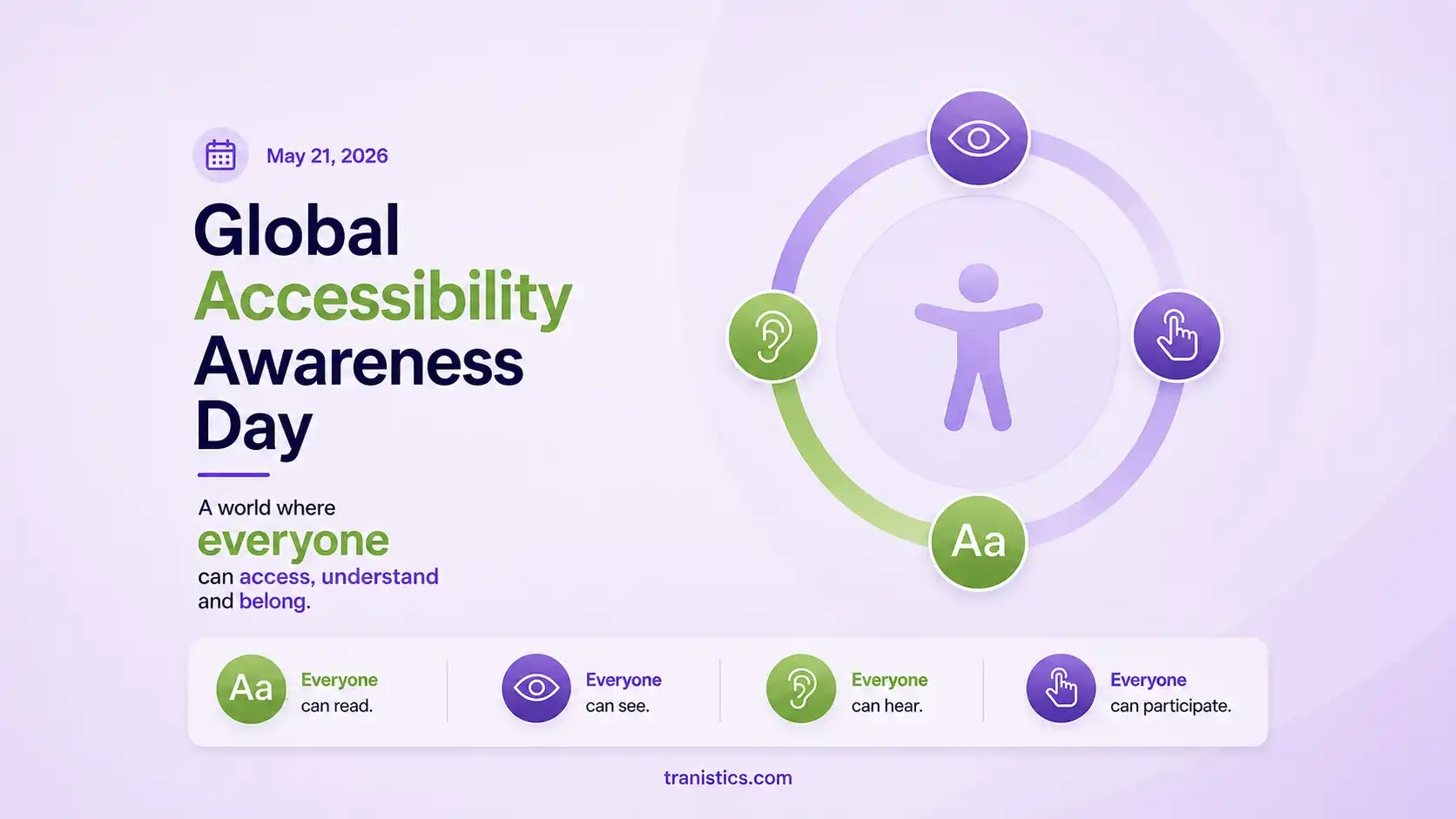
The digital landscape continues to evolve rapidly, and this year marks a significant milestone. Thursday, May 21 is the 15th annual Global Accessibility Awareness Day (GAAD). Over the past fifteen years, digital inclusion has shifted from a grassroots initiative focused on screen readers to a core requirement for corporate health, procurement, and risk management.
This year’s GAAD theme, Design, Develop, Deliver, underscores a significant change in public and commercial expectations. Accessibility is no longer an afterthought; it must be integrated into your source code from the outset.
As organizations across the United States audit their digital presence, one question stands out: Is your website truly accessible, or is your business exposed to significant legal and operational risk?
The digital landscape continues to evolve rapidly, and this year marks a significant milestone. Thursday, May 21 is the 15th annual Global Accessibility Awareness Day (GAAD). Over the past fifteen years, digital inclusion has shifted from a grassroots initiative focused on screen readers to a core requirement for corporate health, procurement, and risk management.
This year’s GAAD theme, Design, Develop, Deliver, underscores a significant change in public and commercial expectations. Accessibility is no longer an afterthought; it must be integrated into your source code from the outset.
As organizations across the United States audit their digital presence, one question stands out: Is your website truly accessible, or is your business exposed to significant legal and operational risk?
Beyond Compliance: The Multi-Billion User Reality
When corporate compliance officers or higher education boards look at digital accessibility, they often view it through a narrow lens of checklist protocols. However, the data paints a much larger economic picture. According to the Global Accessibility Awareness Day Foundation, more than one billion people worldwide live with disabilities or impairments.
In the United States alone, roughly one in four adults navigates the world with a disability. This includes individuals with:
- Visual Impairments: Users relying on screen readers like NVDA or JAWS to translate code into spoken words.
- Motor Disabilities: Individuals who cannot operate a mouse and navigate exclusively via keyboard commands or adaptive switches.
- Auditory Barriers: Deaf or hard-of-hearing users who require precise, synchronised closed captions and transcripts.
- Cognitive Variations: Users who require predictable layouts, clear typography, and clean navigation to process information without sensory overload.
If your corporate website, client portal, or learning management system (LMS) fails to accommodate these assistive technologies, you are not just missing an ethical benchmark you are actively locking out a massive segment of your target market.
The Legal Landscape: ADA Title II and Section 508 Tighten the Screws
Relying on a lack of awareness as a legal defence is no longer a viable option. US courts have consistently ruled that public-facing commercial websites are considered “places of public accommodation” under Title III of the Americans with Disabilities Act (ADA).
Furthermore, the legal landscape has become significantly stricter for institutional entities. Under Section 508 of the Rehabilitation Act, any federal agency, public university, or private enterprise receiving federal funds must guarantee that their Information and Communication Technology (ICT) meets strict accessibility parameters.
The introduction of updated federal rules under ADA Title II has accelerated deadlines for state and local government entities, as well as public colleges. These institutions face strict penalties, funding clawbacks, and high-profile class-action lawsuits if their public web domains or internal digital assets exclude users. For B2B software vendors, this means that if you cannot provide a clean, legally binding Accessibility Conformance Report (ACR) during the RFP phase, you will be automatically disqualified from winning lucrative government or university contracts.
The Myth of the Quick Fix: Why Automated Overlays Fail
As the pressure to meet Web Content Accessibility Guidelines (WCAG) 2.2 Level AA standards increases, many corporate teams turn to automated JavaScript overlays and accessibility widgets, seeking a quick and cost-effective solution
This approach introduces significant security and legal liabilities. Frivolous lawsuit filings reveal that plaintiff attorneys actively target businesses that rely on these visual widgets. Why? Because algorithms alone cannot fix structural code issues or contextual nuances.
To understand why a purely automated setup falls short, consider how technology interprets code versus how humans experience it:
| Accessibility Area | Basic Check | Advanced Review |
|---|---|---|
| Image Alt Text | Identifies if an HTML image tag is missing descriptive alternative text. | Evaluates if the written text accurately conveys the meaning and context of a complex graphic. |
| Color Contrast | Calculates the exact mathematical contrast ratio between font colors and backgrounds. | Detects if dynamic text over moving video backgrounds or brand color changes becomes unreadable. |
| Keyboard Navigation | Flags obvious focus errors within a basic stylesheet. | Tests the website to ensure that a user won't get stuck in a “keyboard trap” while filling out an enterprise form. |
| Screen Reader Flow | Verifies that a layout reads sequentially from top to bottom. | Ensures that complex, interactive elements like pop-up modals or dynamic filters map intuitively for blind users. |
While tools like our specialised automated checkers are excellent for running rapid background code scans, achieving total risk mitigation requires manual evaluations led by certified experts.
How to Conduct an Authenticity Audit for GAAD 2026
If you want to use Global Accessibility Awareness Day 2026 to move past basic awareness and take measurable action, your development team should run your digital ecosystem through this three-tiered testing roadmap:
1. Initiate Baseline Software Scans
Begin your audit by using a reliable code evaluation system. Run diagnostic sweeps across your highest-value user journeys such as checkout systems, login dashboards, and resource portals. This will immediately identify foundational code errors, such as missing language tags, broken form labels, and colour contrast failures.
2. Deploy Manual Engineering Audits
Hand your platform over to developers who hold verified industry credentials, such as Section 508 Trusted Tester or Benetech certifications. Have these specialists manually execute core tasks on your site using keyboard-only controls and active screen readers. If a blind procurement officer cannot seamlessly buy your product or read your documentation, your system requires immediate code remediation.
3. Build a Defensible Compliance Trail
Do not leave your compliance status unverified. Document your testing parameters, fix isolated bugs within your source code, and convert your findings into an official Accessibility Conformance Report (ACR) using the standardised Voluntary Product Accessibility Template (VPAT) framework. This document serves as your definitive shield against compliance disputes and provides your sales team with a powerful asset to win competitive enterprise deals.
The Strategic Path Forward with Tranistics
Digital accessibility is an ongoing process of improvement. Websites change daily with content updates, layout refreshes, and third-party plugin integrations. Treating accessibility as a one-time development project leaves your organisation vulnerable to code degradation and unexpected legal risk.
This Global Accessibility Awareness Day, take ownership of your digital architecture. Partnering with a specialised vendor ensures your platforms pass strict institutional reviews while opening your business to every potential customer.